Setup Guide
Installation & Alicia Account
Follow these steps to register for Alicia Online, install the game client + launcher, and get your system ready for the first login. Download Links below are hosted by WIKILICIA, so you can trust that the files are up to date and virus free in case you have difficulties downloading from the official website.
Account Portal
Registration happens on the official aliciagame.com portal. You only need a valid e‑mail address, no VPN or Korean ID is required for this private server.
aliciagame.com/user/registerMinimum Downloads
Install the base game first, then the launcher. Launch the game exclusively through the launcher afterwards.
Need Support?
If Windows refuses to launch the installer or the launcher closes unexpectedly, see our anti‑virus and non‑Korean environment articles or contact staff members on the discord server below:
discord.gg/aliciaonlineGame Client - Wikilicia GitHub
Contains all Alicia Online assets. Install this before the launcher.
Download Alicia_setup_008.exeLauncher - Wikilicia GitHub
Handles patching, login, and launching the game.
Download Alicia_Launcher_Install_Beta.exeStep-by-step walkthrough
-
Step 1
Create your Alicia account
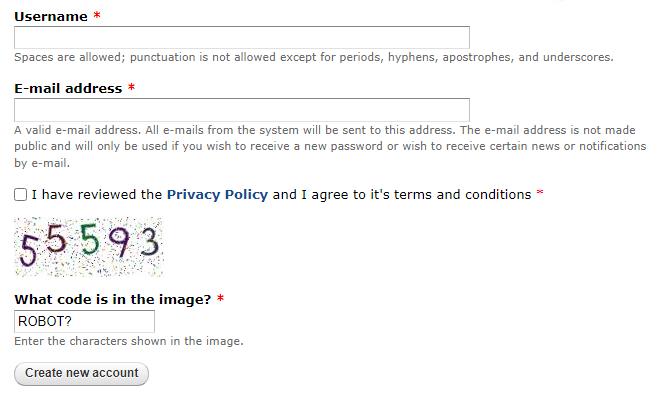
Visit aliciagame.com/user/register (or click Register on the site header) and fill out the form. Choose a username without any special symbols or creative fonts, this username is only for the launcher, and unsupported characters cause a permanent “Login failed” error. Enter the e-mail address for this account, set a strong password, and complete the captcha. I hope you are not a bot. 😉
-
Step 2
Confirm the registration e-mail
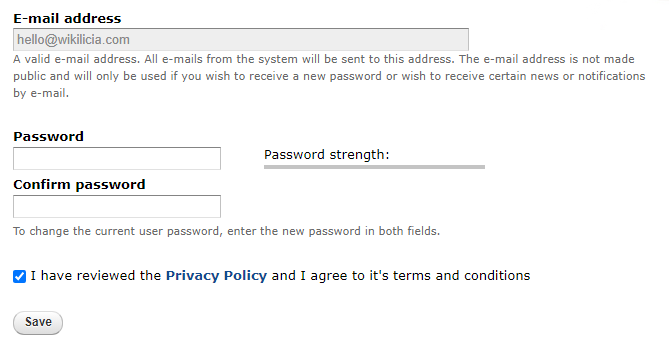
Check your inbox (and spam folder) for a confirmation email. The link included in that e-mail works only once and expires after 24hrs, so click it and set your preferred password right away. Aceept the terms and after you hit Save, your Alicia Game account is ready to use.
-
Step 3
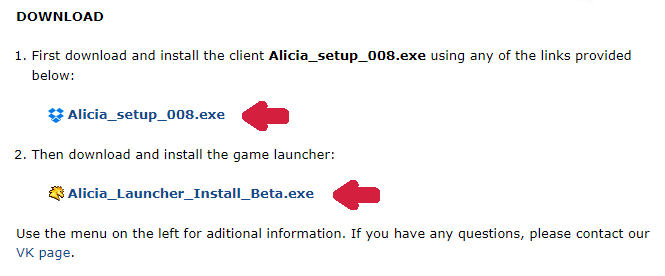
Download the official installers
Use the official download links shown in the screenshot. If the website stalls or your browser refuses to download the file, follow Step 4 to troubleshoot or fall back to the GitHub mirrors provided by WIKILICIA.
-
Step 4
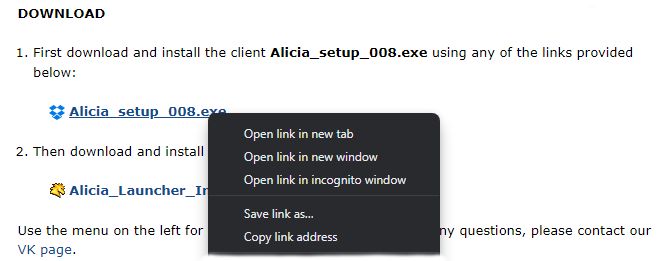
Having trouble downloading?
Some browsers may not allow you to download from uncertificated download links. If you see a warning, choose “Keep” or switch to another browser (Edge/Chrome). You can also right-click the link and select “Save link as...” to force the download. As a last resort, return to the top of this page and grab the Wikilicia GitHub mirrors.
-
Step 5
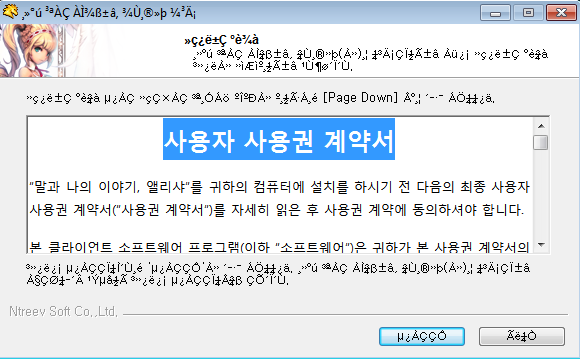
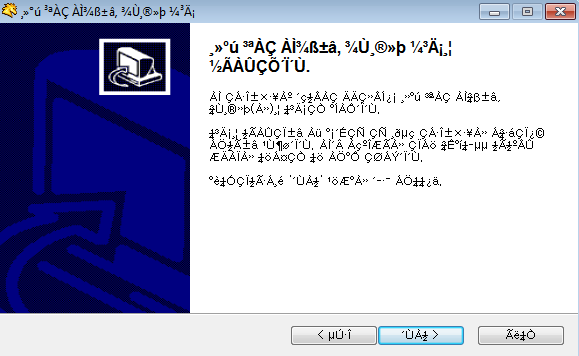
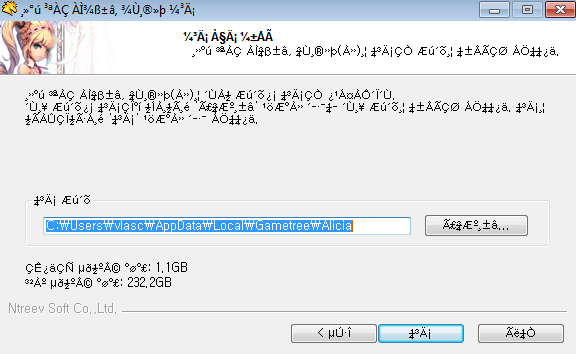
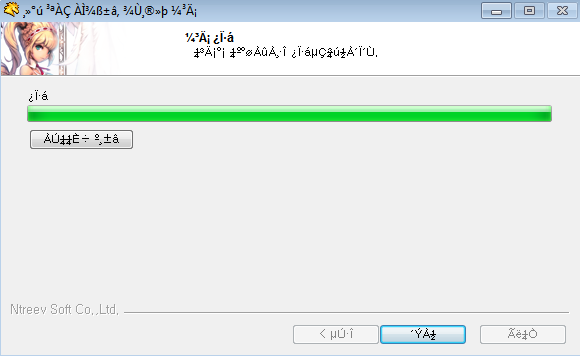
Install the Alicia client (Alicia_setup_008.exe)
Run the client installer, choose the destination folder (default is fine), and keep clicking Next. When the progress bar reaches 100%, close the installer. This lays down all game files.
-
Step 6
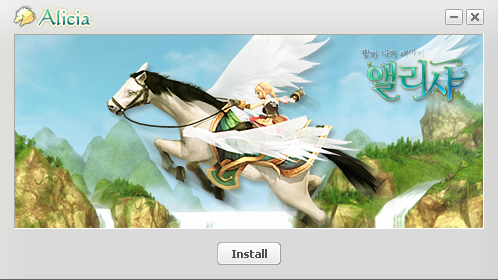
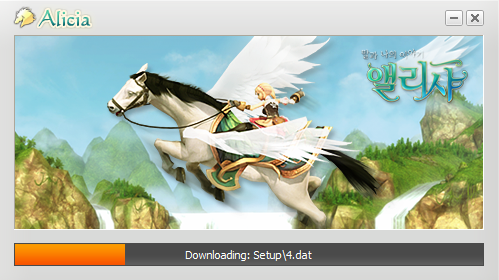
Install the launcher
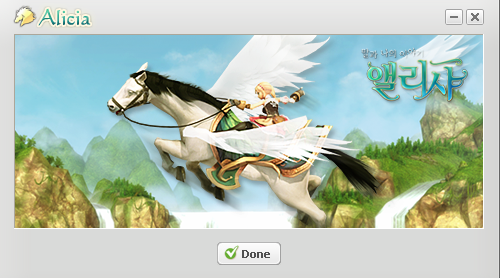
Launch Alicia_Launcher_Install_Beta.exe, approve the Windows SmartScreen prompt if it appears, and follow the on-screen prompts. When finished, a new Alicia shortcut will appear on your desktop.
-
Step 7
Configure non‑Korean environments
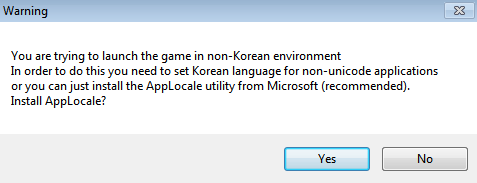
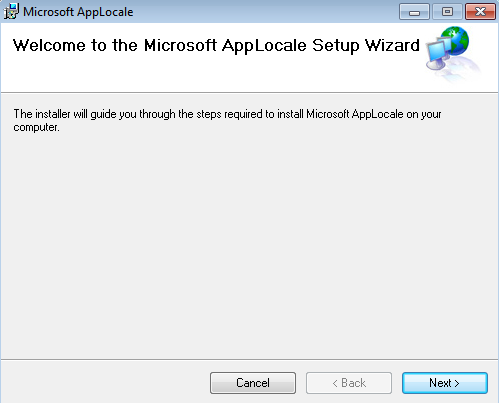
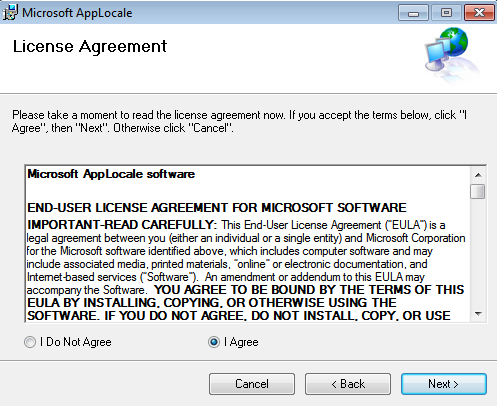
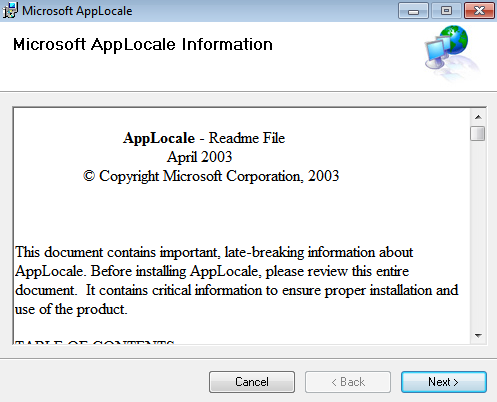
The launcher may request a Korean locale if your Windows installation is set to another language. Set the Unicode language for non‑Unicode programs to Korean so the game can display text correctly. Restart Windows after applying the change.
-
Step 8
Launch, patch, and log in
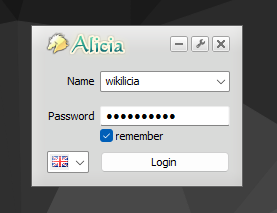
Double‑click the Alicia shortcut, enter the account credentials you created in Step 1, and press Login. Welcome to the world of Alicia Online!